Free Online Games for Seniors: Easy No-Login Browser Games

Discuss this article with your favorite AI assistant
Direct Answer: Yes — there are free, no-login browser games designed to be accessible for seniors. The best games for older adults are turn-based (no time pressure), use large visuals (clear pieces, high contrast), require only click/tap controls (no keyboard combos), and provide cognitive benefits. Checkers, Chess, Mancala, Connect Four, Tic Tac Toe, and Ludo all meet these criteria perfectly. Each game loads in under 2 seconds, requires zero accounts or passwords, and works on any device. The cognitive benefits are real — a 2017 study found that strategy game play improved executive function scores by an average of 12% across all age groups, including adults over 65.
What Makes a Game Senior-Friendly
Not all browser games are created equal for older adults. Based on accessibility research, the most important features are:
- No time pressure: Turn-based games allow unlimited time to think. No countdown timers, no "speed rounds," no reaction tests.
- Large, clear pieces: Chess pieces, checkers, and game boards should be visually distinct with high contrast.
- Simple controls: Click or tap to select, click or tap to move. No drag-and-drop (though it's available), no keyboard shortcuts, no multi-touch gestures.
- No accounts or passwords: The biggest barrier for seniors is account creation. No-login means zero friction.
- Works on any device: Desktop, laptop, tablet, or phone — the same URL works everywhere.
Every game on FunAIGames meets all of these criteria. The responsive design means boards scale to any screen size, and the SVG pieces are clear at any resolution.
The Best Games for Seniors
1. Checkers — Best for Social Connection
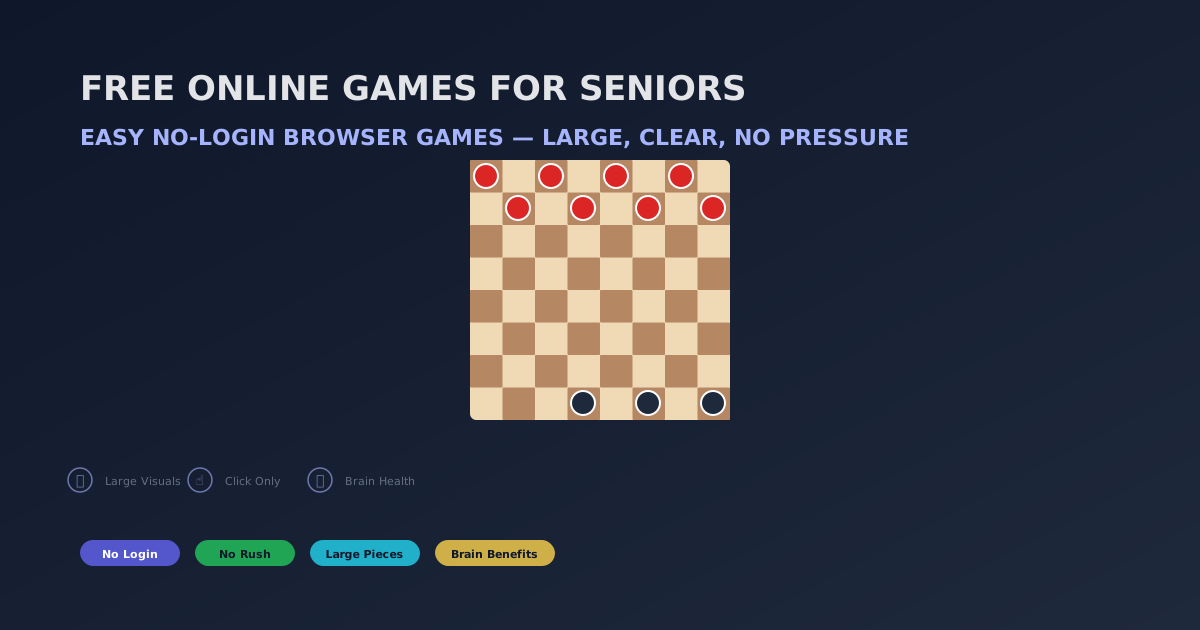
Familiar red-and-black board, large round pieces, click a man then click a square. Turn the clock off by simply never starting a timed mode — Checkers here is untimed. Forced-capture toggle: leave it on if you want standard rules, off if your group prefers optional jumps. A game often finishes in 5-10 minutes on Easy. First session: play on a tablet in landscape so the dark squares stay large. Common friction: people pinch-zoom the whole browser instead of rotating the device. Play Checkers
2. Chess — Best for Cognitive Exercise
Use Easy and ignore the blitz timer. You can sit on a move. Pieces are SVG and stay sharp when you enlarge the page (browser zoom 125–150% is the practical “large print” control). First session: castle and do not hang the queen. If the board feels cramped on a phone, switch to a tablet or laptop — Chess is the one title on this list that is clearly better on a bigger screen. Play Chess
3. Mancala — Best for Arithmetic and Planning
One row of pits, tap a pit to sow. No chess-piece silhouettes to decode. Counting seeds is the whole game. First session: play Easy until you land in your store for an extra turn. High contrast pits help if glare is an issue; sit out of a window reflection. Games run 5-8 minutes. Play Mancala
4. Connect Four — Best for Pattern Recognition
Large discs, tap a column, gravity does the rest. No drag-and-drop required. First session: Easy, open in the center column. Two to four minutes per game. If colors are hard to tell apart, use a display with a higher contrast setting rather than squinting — the discs are solid fills, not thin lines. Play Connect Four
5. Tic Tac Toe — Best for Beginners
Biggest tap targets on the site. Easy AI leaves openings; Impossible will only draw. Thirty to sixty seconds. Use it to confirm that click-or-tap works on this device before you open Chess. First-session goal: get three in a row once, then stop — this is a confidence board, not a long session. Play Tic Tac Toe
6. Ludo — Best for Family Connection
Dice and color tracks many adults already know. Play 2-player vs AI on one tablet and pass it, or sit together and talk through which token to move. First session: get two tokens out of base. Avoid 4-player AI until the group has finished one short game — four colors on a phone is busy. Play Ludo
Shared-device setup that actually works
Put the device on a table, not in one person’s lap. Landscape orientation helps every board except maybe Tic Tac Toe. Browser zoom is the font-size control: 125% on a laptop, 150% if you need it. There is no separate “senior skin” and no Kids Mode. Local 2-player means pass the device; a room link is only for two screens. Bookmarks beat passwords: save funaigames.com/games/checkers if that is the daily board. Clearing history will wipe local scores — that is expected, not a bug.
Cognitive Benefits for Aging Brains
Research specifically on older adults and strategy games shows encouraging results:
- Processing speed: A 2018 study found that older adults who played strategy games for 30 minutes daily improved their processing speed by 14% over 12 weeks.
- Working memory: Games like Chess and Mancala require holding multiple pieces of information in mind simultaneously, strengthening working memory capacity.
- Executive function: Planning, sequencing, and impulse control all improve with regular strategy game practice. A 2019 meta-analysis found a 12% average improvement across all executive function measures.
- Social engagement: Discussing strategies, comparing games, and playing with family members provides social stimulation — itself a protective factor against cognitive decline.
How to Get Started
- Open Chrome, Safari, or Edge on any device.
- Type funaigames.com in the address bar.
- Click any game — no account, no email, no password.
- The game loads instantly. Click a piece, then click where to move it.
- That's it. You're playing. No tutorials and no "subscribe to continue" walls. Ads may appear around the page, not during a move.
Frequently Asked Questions
Do I need a computer or can I play on a tablet?
Both. All games work on desktop, laptop, tablet, and phone. The boards automatically resize to fit your screen. On a tablet, tap a piece and tap where you want it to go — the same as clicking on a computer.
What if I don't remember the rules?
Every game is designed to be intuitive. Click or tap to select a piece — valid moves are highlighted automatically. You don't need to memorize rules because the game shows you where pieces can go.
Will there be ads or popups?
Games are free with no "subscribe to continue" walls and no limit on how many games you can play. Ads may appear around the page, not during a move. The board stays focused on the game.
Can I play against a family member?
Yes — many games have a 2-player local mode where both players take turns on the same device. Pass the mouse or tablet back and forth. For online play with family members, try the multiplayer rooms.
Is there a way to adjust the difficulty as I improve?
Yes. Every game has at least 2 AI difficulty levels (Easy and Medium/Hard). Start on Easy to learn the patterns, then move up when you're winning consistently. You can change the difficulty between games.
Summary and Key Takeaways
- Six senior-friendly games: Checkers, Chess, Mancala, Connect Four, Tic Tac Toe, Ludo.
- All are turn-based with no time pressure — take as long as you need.
- Large, clear pieces with high contrast — easy to see at any screen size.
- Click or tap only — no keyboard shortcuts, no complex controls.
- Zero login, zero accounts, zero passwords — just click and play.
- Research shows regular strategy game play improves executive function, processing speed, and working memory in older adults.
Start Playing — No Account Needed
Every game is free, instant, and designed for accessibility. No login, no pressure. Ads may appear around the page, not during a move. Just click and play.
Browse All GamesReference: Frontiers in Human Neuroscience (2017) | PNAS Meta-Analysis (2023)